
 >
>
With Translation Studio, you can transform your Dynamics 365 CRM into a multilingual system – in just a few clicks. Thanks to quick installation and seamless integration, you can translate the entire CRM into any language you want and scale your business internationally. xRM Translation Studio is a powerful solution that allows you to translate all relevant CRM data – directly in the system, without Excel.

Now work without limits – with xRM Translation Studio
Less manual work. More consistency. Full control inside the system.
xRM Translation Studio turns translation from a technical task into a simple, in-system workflow – exactly where it belongs.

No exports, no manual imports


fields, forms, views, tabs, sections & option sets


New fields are automatically recognized & translated


Every translation remains traceable


Both variants are fully supported


Translations are live with one click

Get xRM Translation Studio now – the essential add-on for Microsoft Dynamics 365 to manage all translations directly inside your system. Translate tables, fields, forms, views, and option sets efficiently and keep your CRM fully multilingual – without exports, imports, or additional development effort.



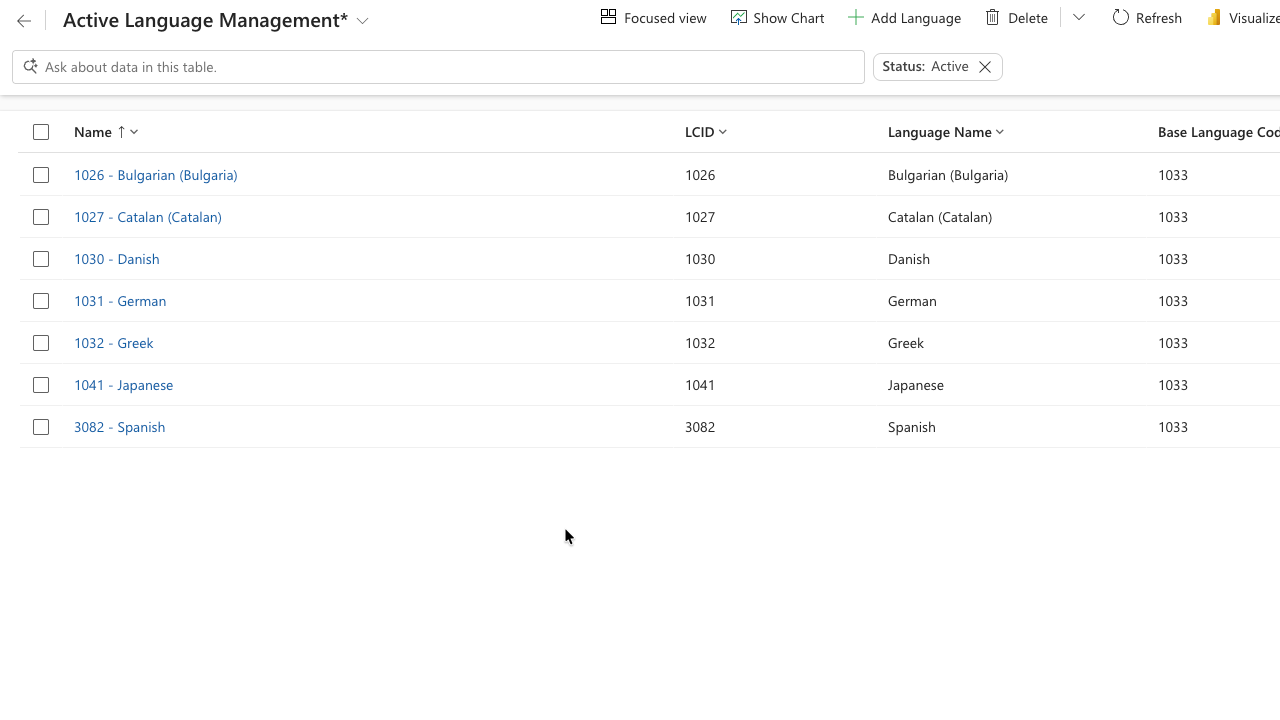
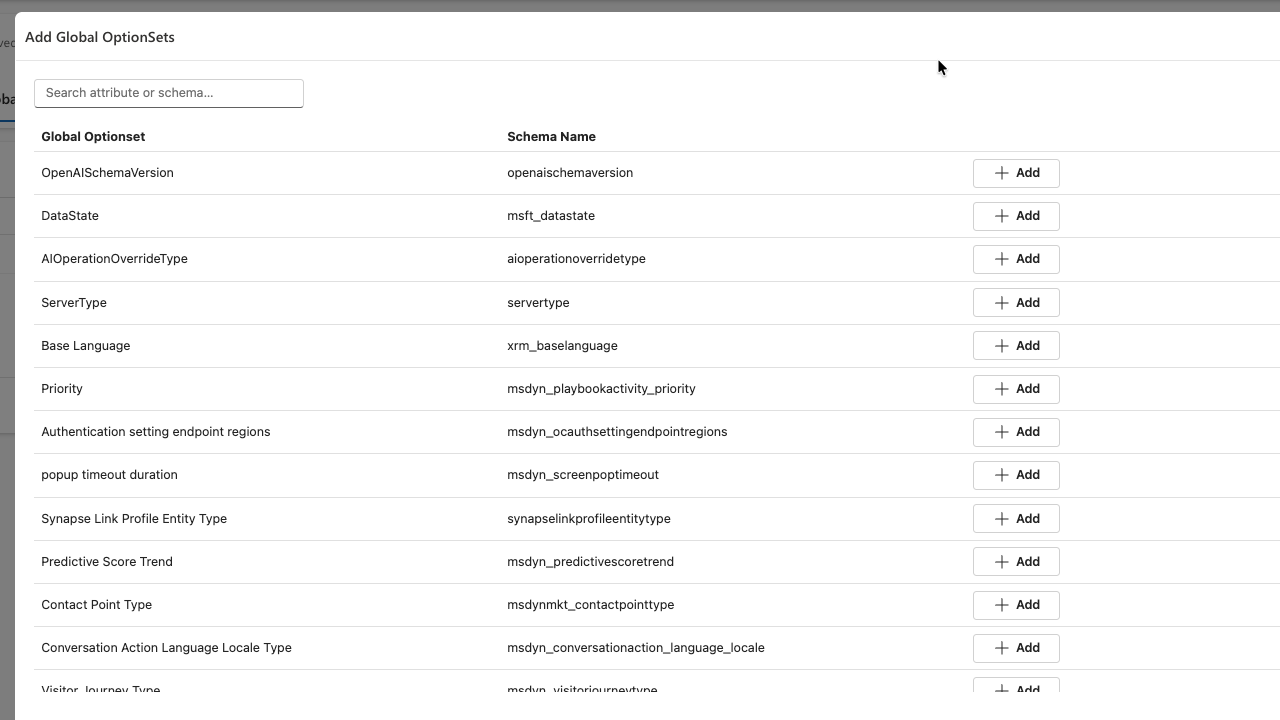
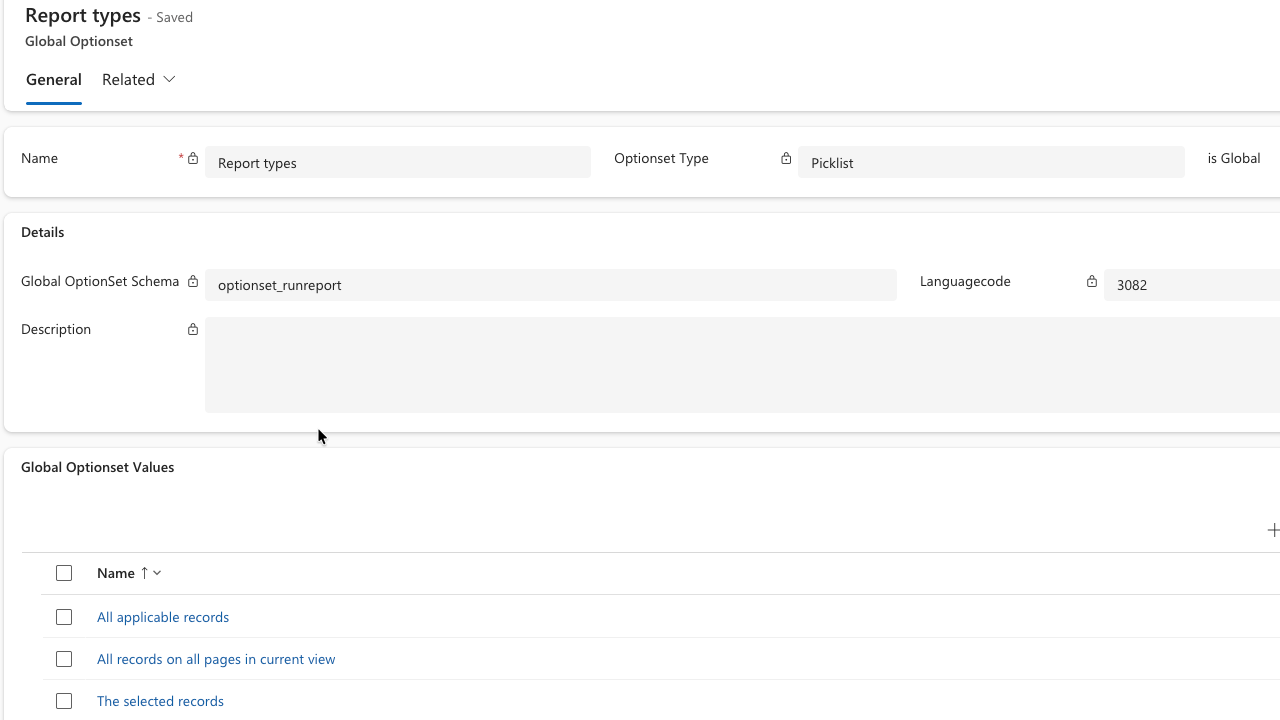
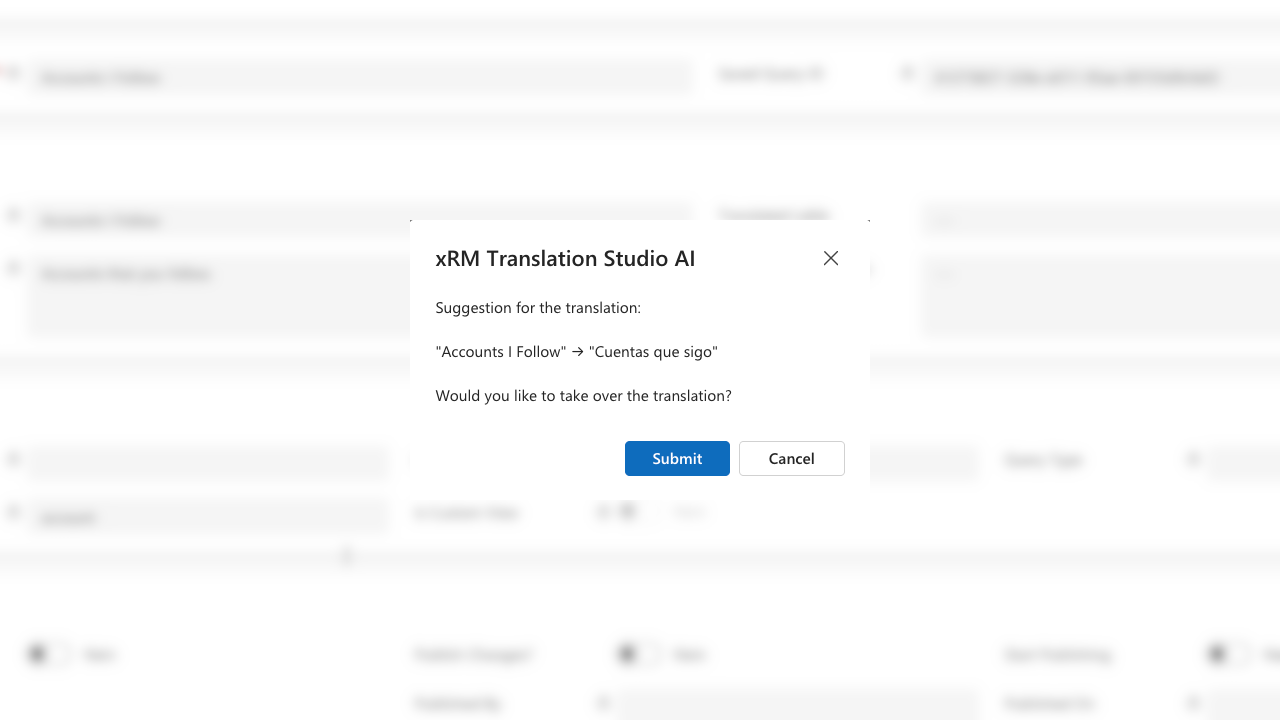
Translation Studio turns translations into what they should have been all along: managed data inside your own Dataverse tenant. You translate at the live metadata, with full UI context — no export, no spreadsheets, no re-import cycle. The Microsoft mechanism underneath stays untouched.
The Studio reads your live metadata and shows what needs translation — fields, forms, views, tabs, sections and global/local option sets. New and changed items are detected as your system evolves, so translation becomes incremental instead of a big-bang project.
Translate directly in Dynamics 365, with the form context in front of you — or let AI bulk-translate at roughly 150 labels per minute and review the suggestions. The AI runs over your own API key with the provider you choose; your terminology never touches our services.
Publish translations straight to the environment — no file round-trips, no overwrite surprises. Every translation is a Dataverse row with history, so you always know who changed which label, and when.
Per tenant — unlimited users
One flat license per tenant: all users, all languages, all tables and unlimited translations included. No per-user fees — translation is a team task, and the license treats it that way.
Not sure how we compare? See the full comparison — Microsoft export/import, free community tools and xRM Translation Studio, 16 capabilities side by side.
Compare the alternatives →The built-in process exports labels to files, sends them around and re-imports them — per table, per language, per release, and it misses areas like sitemap entries and ribbon labels. Translation Studio works at the live metadata inside the system, covers the full UI context and makes translation incremental. The Microsoft mechanism underneath remains unchanged.
In your tenant, as ordinary Dataverse rows — with history, under your security roles and inside your backups. No file on a consultant's laptop, no agency mailbox, no external store. When people change, the translations stay: they belong to you.
Only where you decide. AI translation is bring-your-own-key: it runs with the provider you choose, under your own data processing agreement. Without AI, nothing leaves the tenant at all.
Yes — that's the point. Labels are translated with the surrounding form, view or option set in sight, not as isolated rows in a spreadsheet. Guessing what a label means from a bare text cell is where most translation errors come from.
As data, through your own pipeline. Translations are deployment artifacts like everything else in your solution — no manual re-import into each environment, no divergence between stages.
Welcome to the fascinating world of
xRM Products, get to
know us and our products now!

© 2026 xRM Products LLC