

 >
>
xRM Data Guard is an essential add-on for companies using Microsoft Dynamics that want to maximize their data quality. With automated checks, flexible rules, and comprehensive dashboards, the app provides a complete solution for improving data integrity and efficiency in Dynamics.

Complete solution for improving data integrity

Automatically checks for empty fields, incorrect formats (e.g. email, phone number), value ranges and mandatory field controls within Dynamics records.


Ensuring logical relationships between fields and entities in Dynamics (e.g. contacts, accounts, opportunities).


Supplementing incomplete data by connecting to external validation services, available directly in Dynamics.


Notes, Warnings, and Errors to classify and prioritize data problems in the Dynamics environment.


Dynamic dashboards in Dynamics to display KPIs on data quality and common error sources.


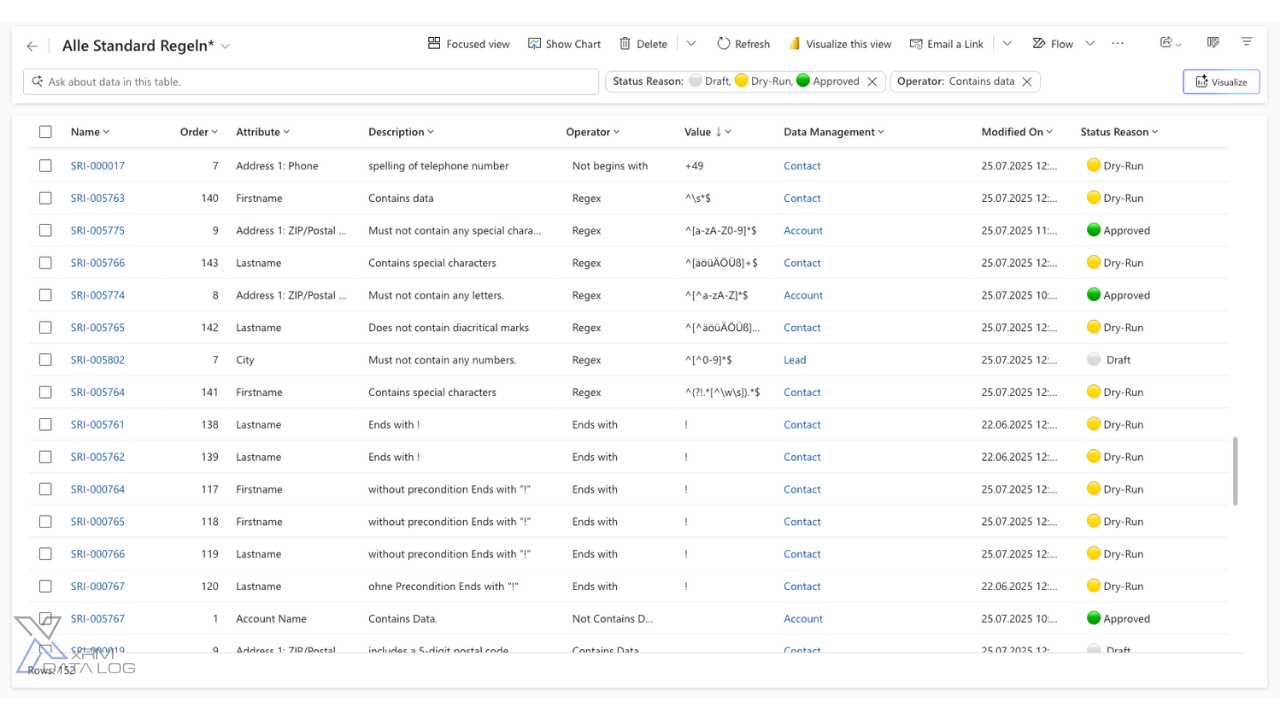
Custom validation rules that can be customized to meet specific business requirements in Dynamics.

Get your logging solution with just one click. Get xRM Data Guard now, the essential add-on for your Microsoft Dynamics 365, and ensure maximum transparency and security for all data changes. With xRM Data Guard, you can easily meet compliance requirements – without additional development effort.



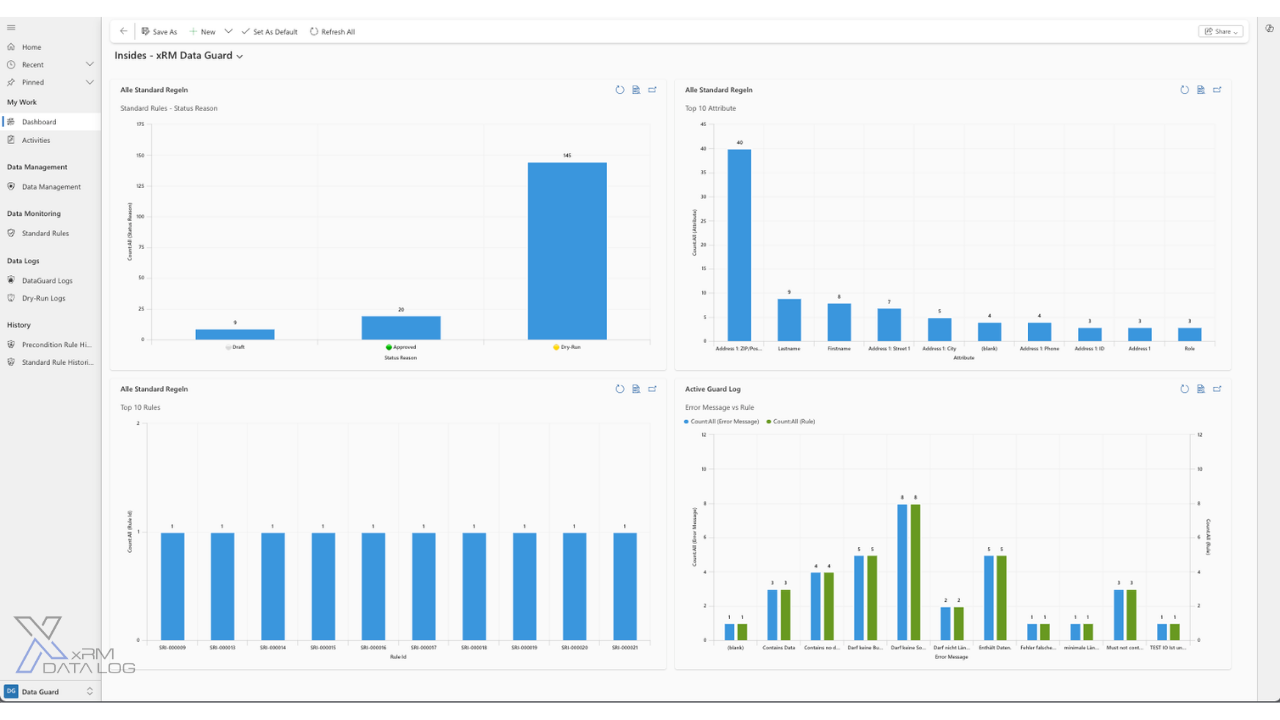
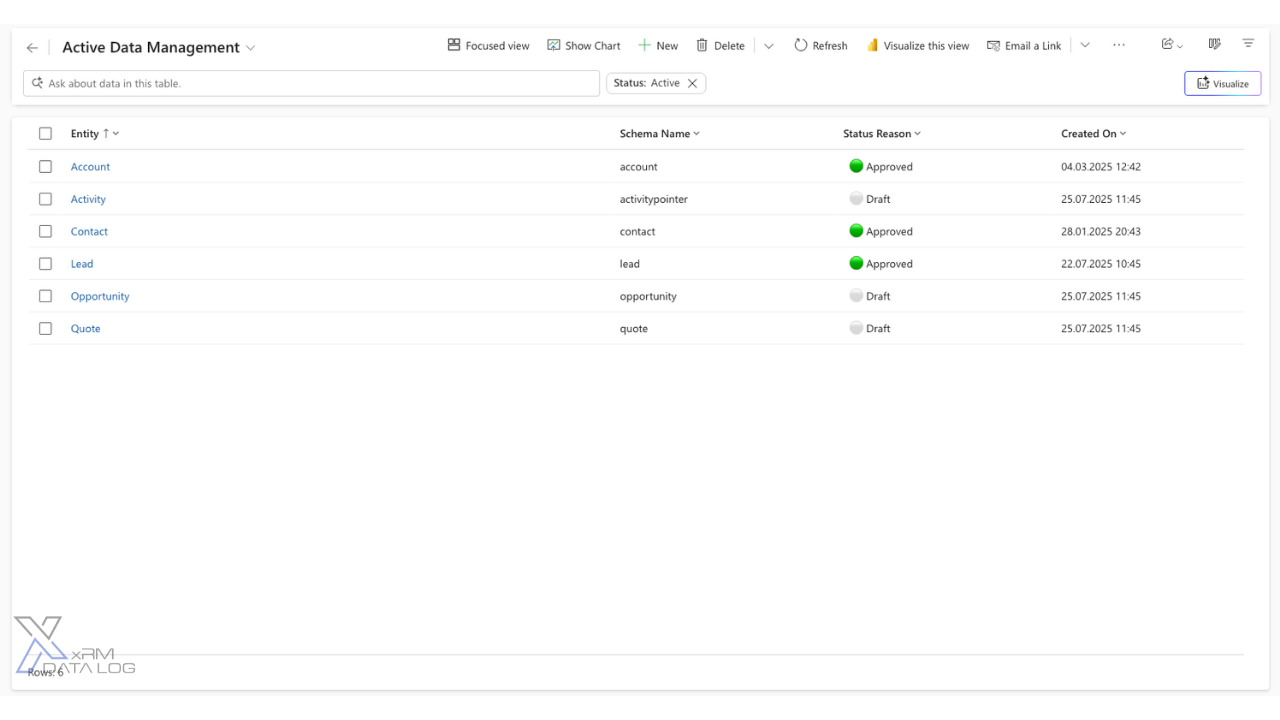
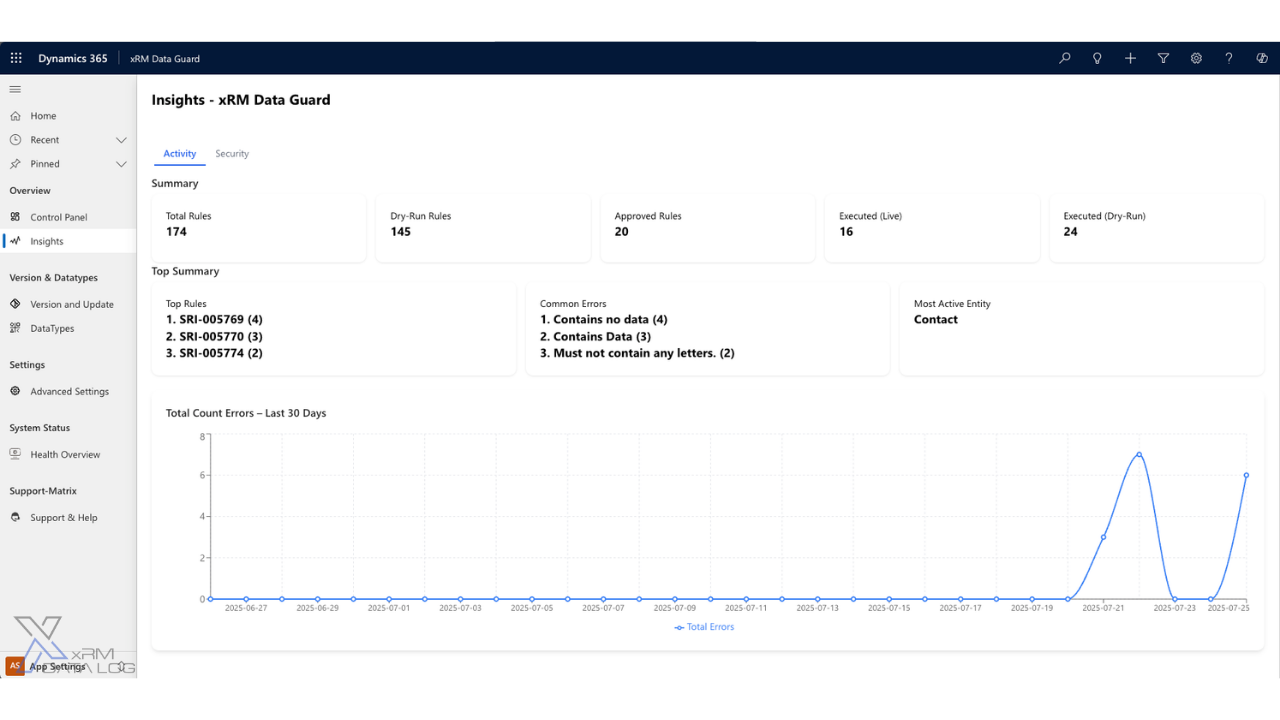
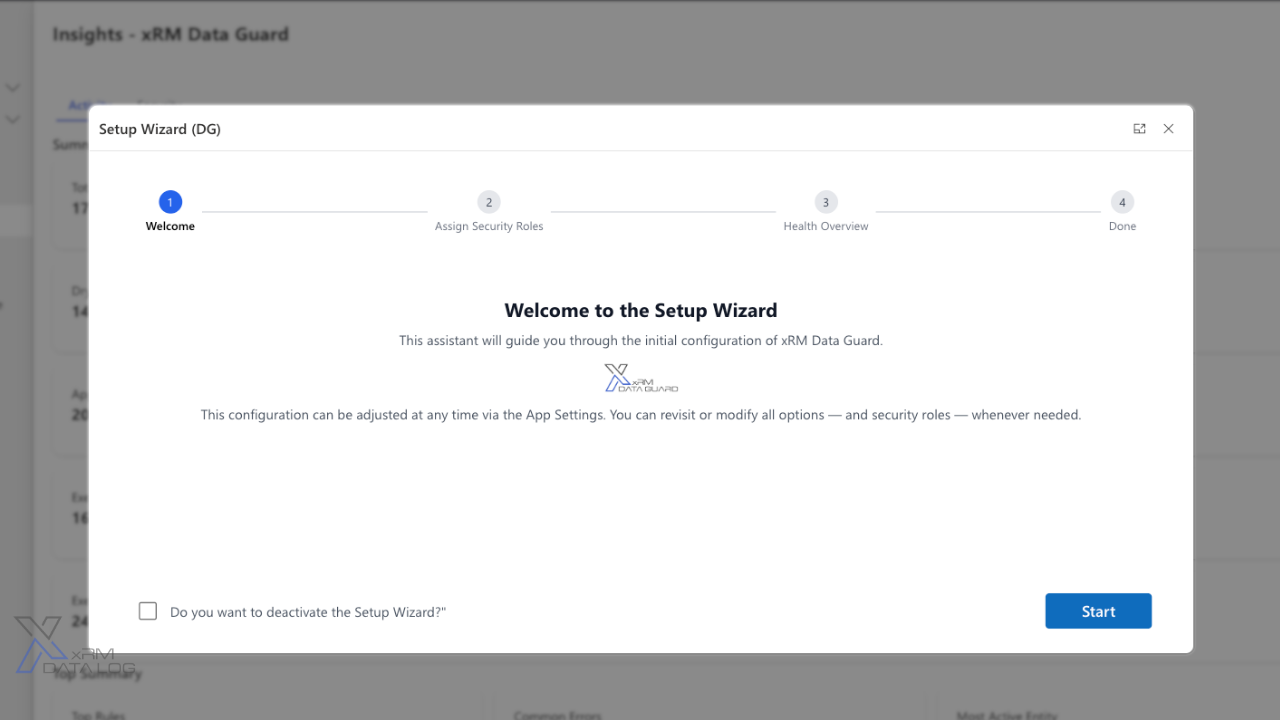

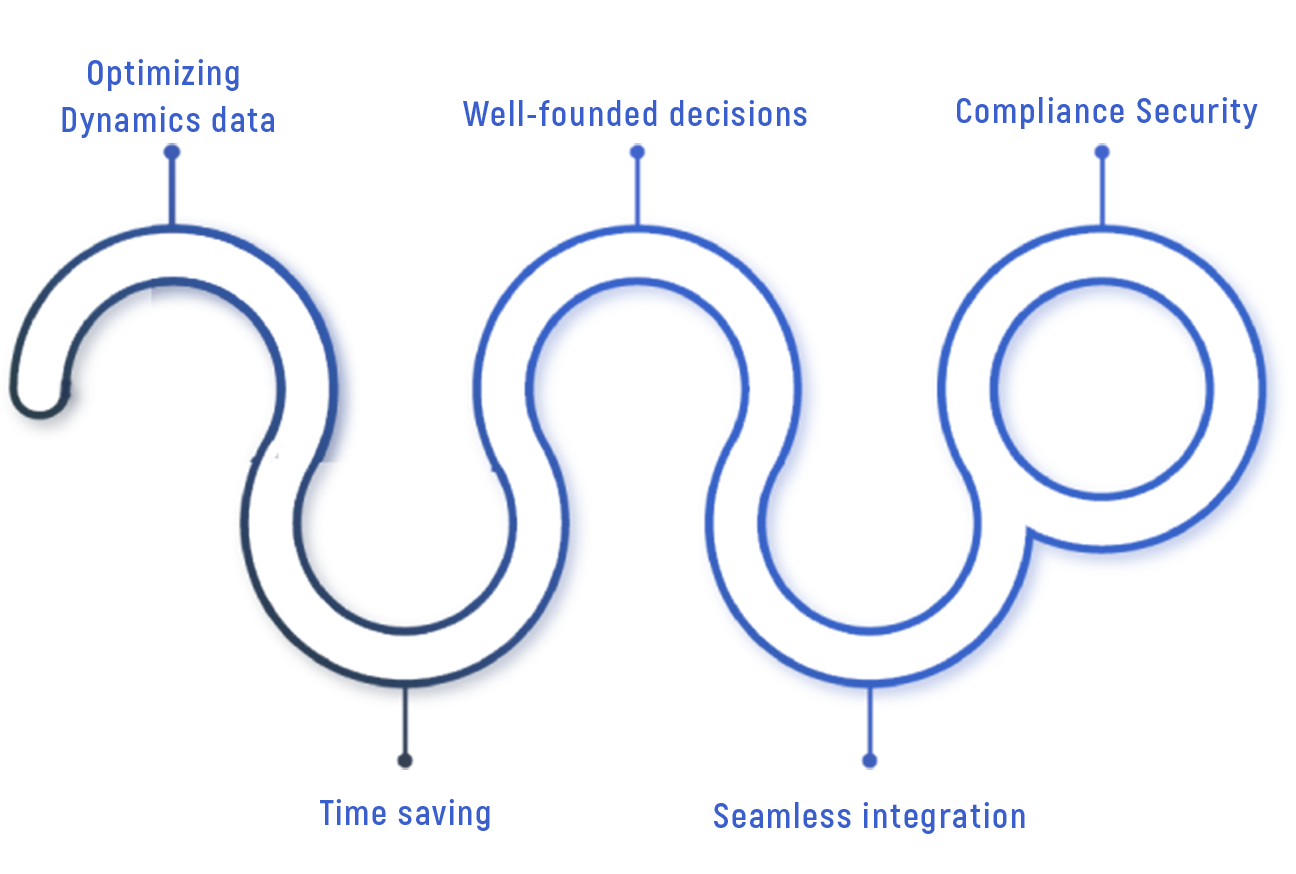
Data Guard validates records inside the Dataverse transaction, before data is saved — which means it catches what form-level Business Rules can't: bulk imports, API writes, Power Automate flows and integrations all pass through the same rules.
Pick a table, pick a column, choose one of 15 operators — from Equals and Contains up to Regex — and combine conditions into rules. Rules are configuration, not plugins: admins create and adjust them at runtime, no deployment cycle.
Before a rule blocks anything, run it in Dry Run mode: executions are simulated and violations are logged — users are never blocked, no data is changed. Review the log, refine the rule, then activate.
Active rules block invalid data at save time with a clear message — on forms, imports and API calls alike. What's in your system is what your rules allow.
First month free
One license per named user — whether they access Dynamics 365 directly or via a Power Pages per-user license. All rules and all tables always included, no usage metering.
xRM Data Guard ensures clean, consistent, and complete Dynamics 365 data, including duplicate detection, validation, consistency checks, and dashboards. Efficient, analytical, and ready for informed decisions.
— Alejandro Vañó Navarro, COO, KMINA
Business Rules run at form level — they're bypassed by data imports, API writes, integrations and flows. Data Guard validates inside the transaction, so every write path goes through the same rules. Business Rules improve the form experience; Data Guard guarantees what ends up in your database.
Yes — that's what Dry Run mode is for. Rules execute in simulation, violations are logged with full detail, and nobody is blocked. You activate a rule only after the log shows it behaves exactly as intended.
No. Rules are configuration: administrators create, adjust and deactivate them in the app, at runtime. There is no code to write and no solution to redeploy when a rule changes.
No. Data Guard has no external service component. Rules, violation logs and configuration are stored as regular Dataverse rows in your environment — covered by your security roles, auditing and backups.
15 operators, from Equals, Not Equals, Contains and ranges up to regular expressions — combinable into multi-condition rules per table and column. If you can describe the constraint, you can usually build it without code.

Welcome to the fascinating world of
xRM Products, get to
know us and our products now!

© 2026 xRM Products LLC