
 >
>
xRM Audit - Data Log Center has the ability to enable comprehensive tracking and recovery without requiring a full backup. Traditional backup methods often require restoring entire databases, which can be time-consuming and result in the loss of subsequently entered data. However, this innovative solution takes a more granular approach, allowing you to restore data on a field-by-field basis without disrupting employees' work or losing records.

Identify trends and track user activity
If you need to restore a specific field, the xRM Audit - Data Log Center solution is invaluable. With just a few clicks, you can access the audit log and determine the exact time of the change. Once identified, the solution guides you through the seamless undo process, instantly restoring the data to its previous state. The xRM Data Log solution offers comprehensive reporting capabilities that help you gain detailed insights into the change patterns of your data, allowing you to identify trends and track user activity. Furthermore, the solution integrates seamlessly with your existing systems, making it a scalable add-on for businesses of any size. Manage your xRM Data Log solution independently and at any time without having to wait for other service providers or partners.
Take your Audit - Data Log to the next level and evaluate all data centrally in one place












Get your logging solution with just one click. Get xRM Audit - Data Log Center now, the essential add-on for your Microsoft Dynamics 365, and ensure maximum transparency and security for all data changes. With xRM Audit - Data Log Center, you can easily meet compliance requirements – without additional development effort.


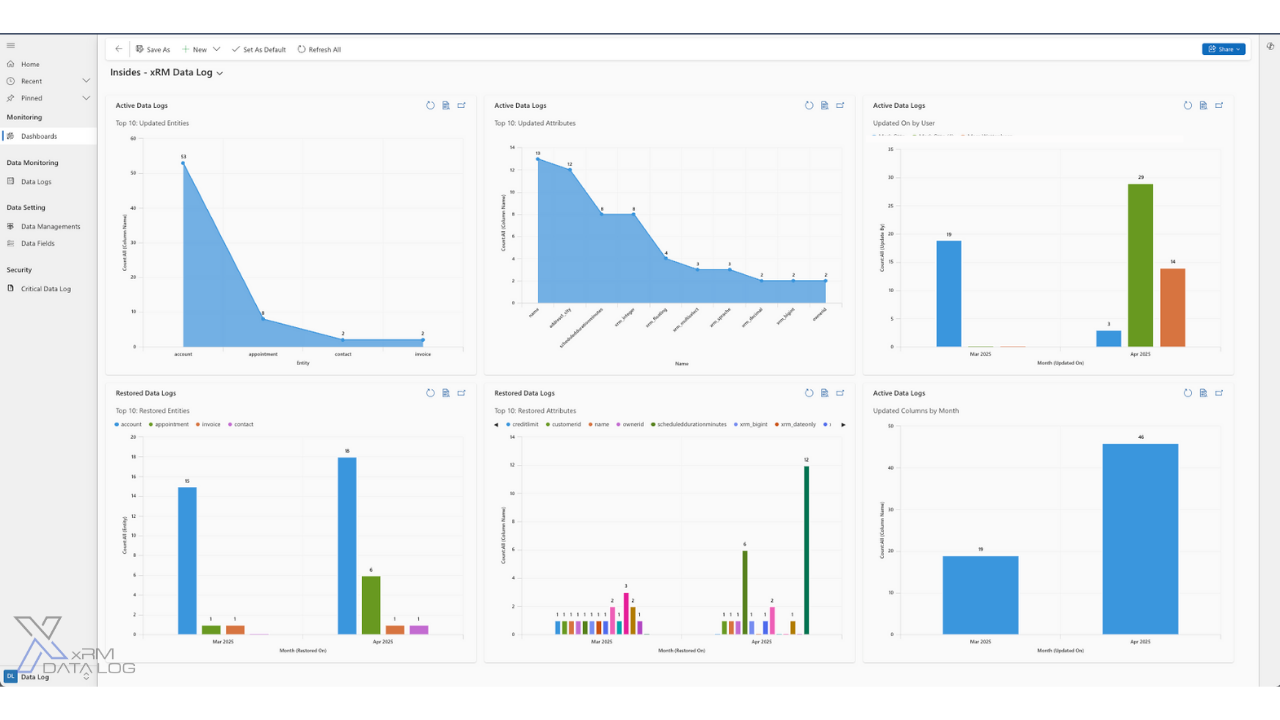
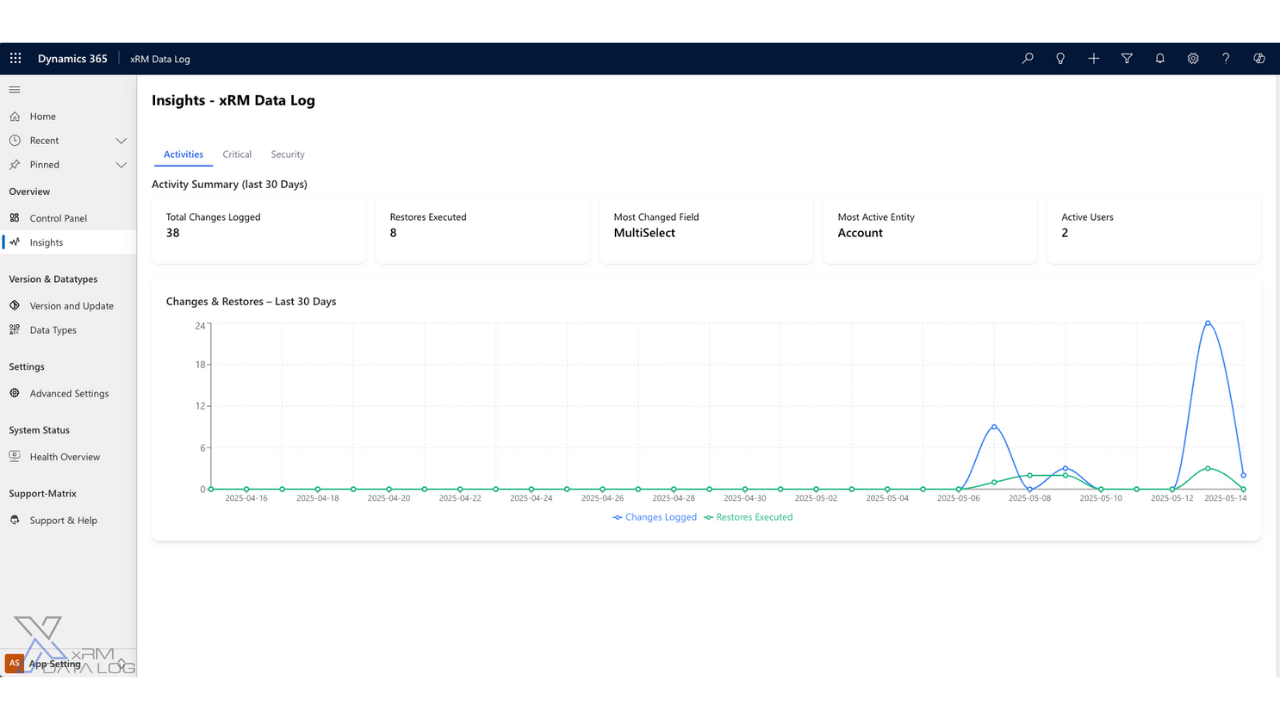

The Data Log Center captures every tracked change inside the Dataverse transaction, the moment it happens — and writes it as a readable row: who changed what, the old value, the new value, and when. Nothing slips through between the change and the log, and any logged change can be restored.
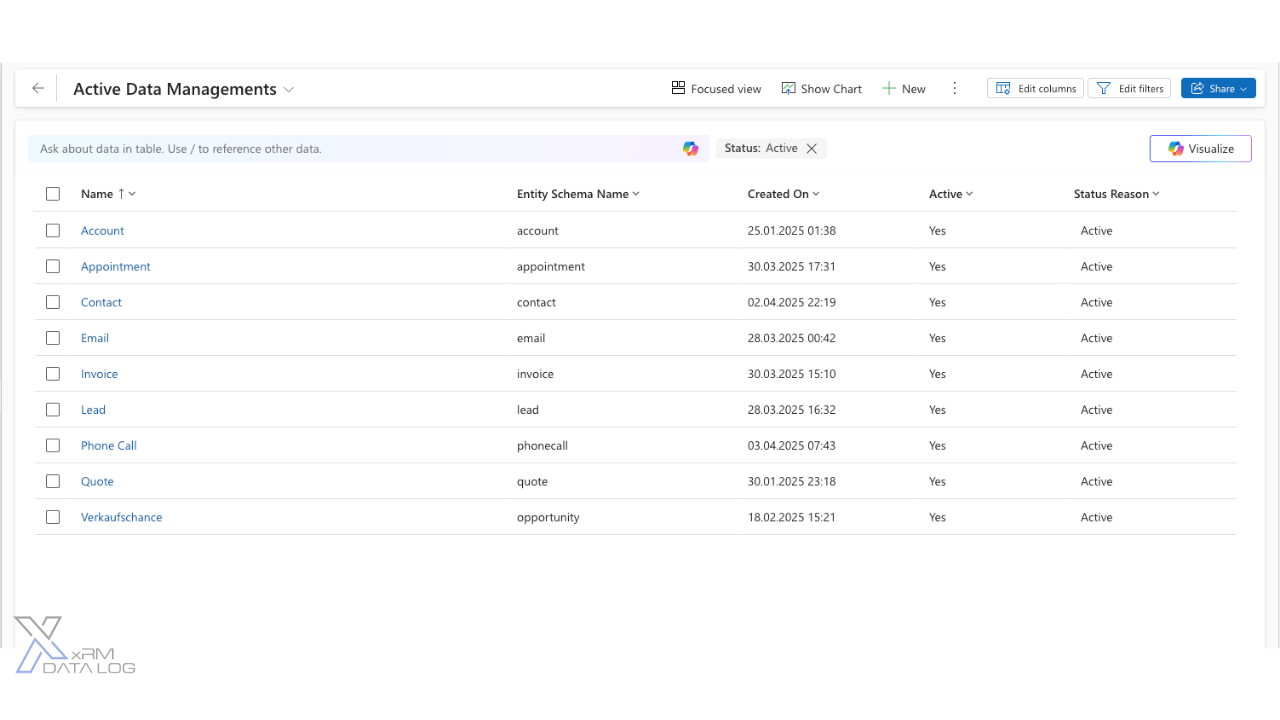
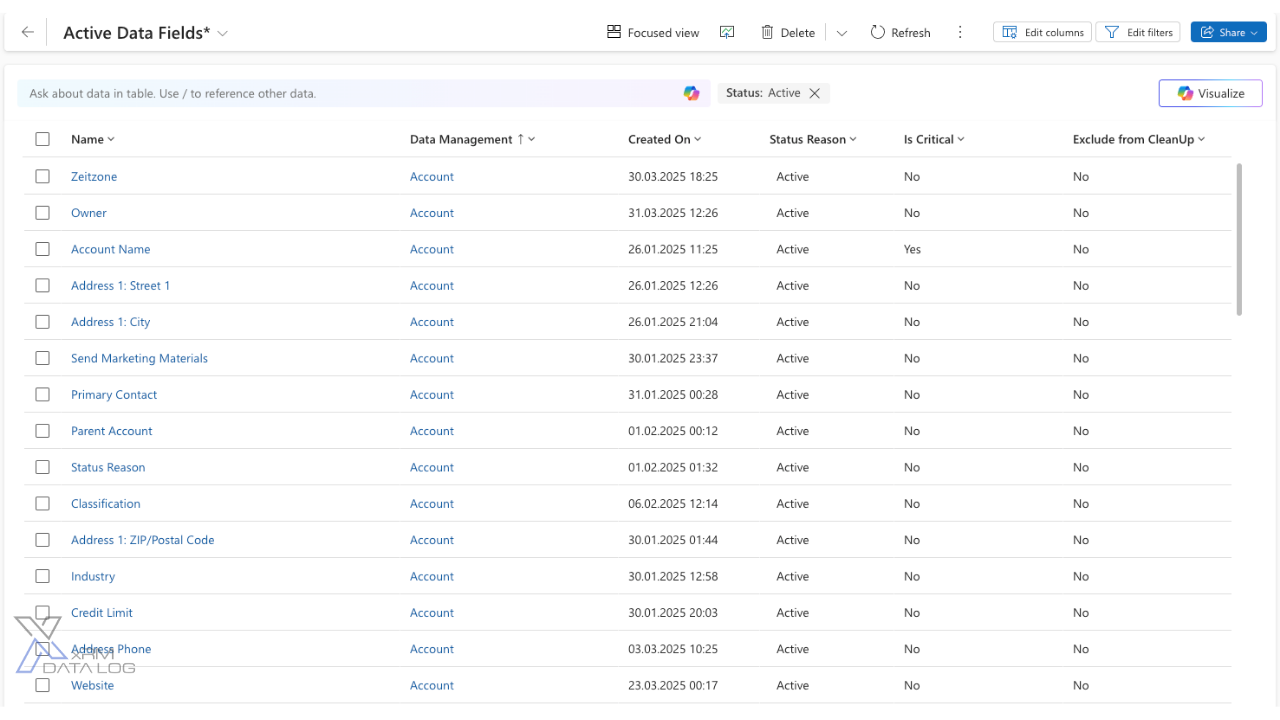
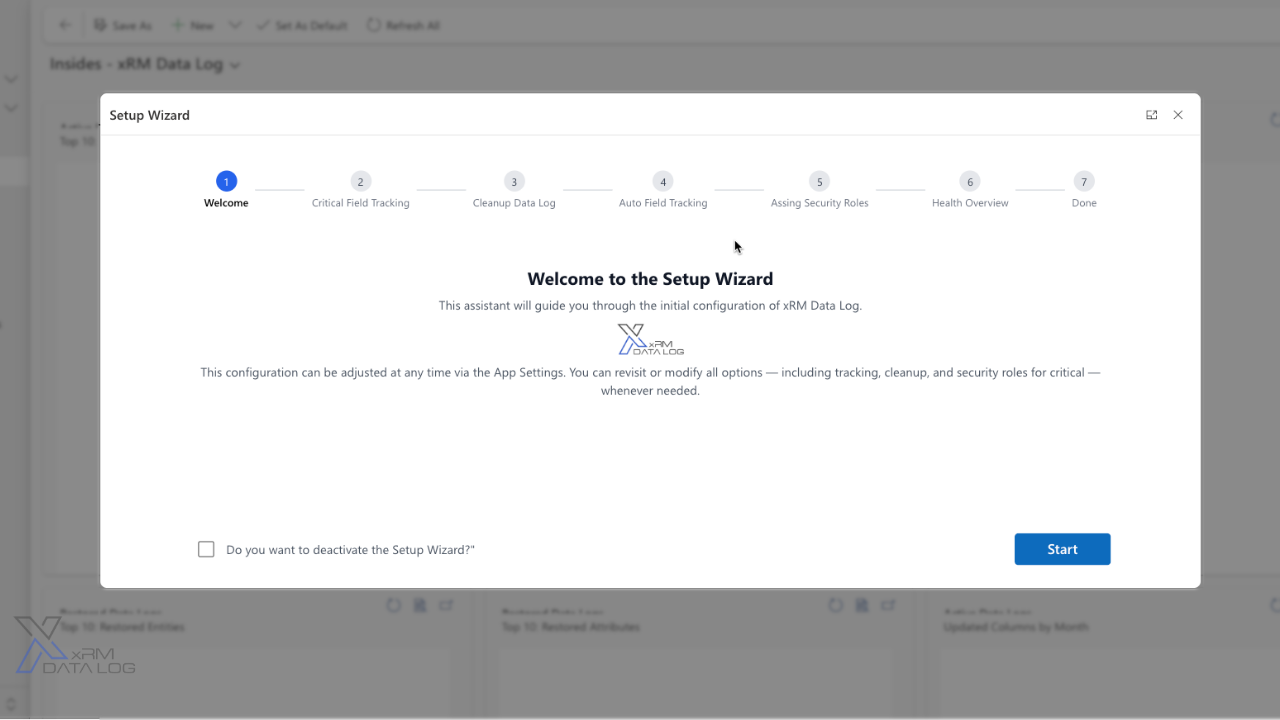
Choose the tables and fields that matter. From that moment, every create, update and delete is captured by plugins in the transaction itself — including changes from imports, APIs and flows. Fields added later are picked up from their first change.
Log entries are ordinary Dataverse rows. Filter by record, field, user or time, open them in any view, report on them in Power BI — and always see what changed and what the value was before.
Put a single field, a whole record or a deleted row back to any point in its history — with one action, directly in Dynamics 365. Every restore is itself logged, so the trail stays complete.
First month free
One license per named user — whether they access Dynamics 365 directly or via a Power Pages per-user license. All tables, all fields and unlimited restores always included, no usage metering.
xRM Data Log provides full analytical insight into every change in Dynamics 365, from trends to critical updates. It is easy to use and has powerful dashboards, perfect for audit readiness!
— Philip Dankhoff, Product Owner CRM, SENEC GmbH
Native auditing is a black box: hard to query, expensive to retain and impossible to act on. The Data Log Center writes each change as a regular Dataverse row — readable in views, reportable in Power BI, exportable through your own ALM — and adds what native auditing never had: one-click restore.
Yes. Deleted rows can be brought back from their logged history, and single fields or whole records can be reset to any earlier point. Every restore is logged itself, so the audit trail stays complete.
Yes. Changes are captured by plugins inside the Dataverse transaction, so every write path is logged — forms, bulk imports, API writes, Power Automate flows and integrations alike.
No. There is no external service, no storage account and no connector. The log consists of ordinary Dataverse rows in your environment, covered by your security roles and backups.
Those are separate, role-based privileges. Typically auditors and data stewards get read access, while restore rights stay with administrators — you decide via standard Dataverse security roles.
Welcome to the fascinating world of
xRM Products, get to
know us and our products now!

© 2026 xRM Products LLC