
 >
>
The suite
Who may do what, what the data is allowed to look like, and which language it speaks — three questions every Dynamics 365 environment has to answer. xRM Products answers them inside Dataverse, with no external service and no data leaving your tenant.
How it fits together
Governance in Dynamics 365 is not one problem. Our products are grouped the way the problems actually occur — and each pillar works on its own.
Data
Rules decide which values are valid before a change is committed, and every tracked change lands in a readable log that can be reverted. Two sides of one requirement: keeping bad data out, and undoing what happened to the good data.
Language
Two problems that are constantly confused. Labels are metadata — translated once and deployed with the solution. Record content is data — translated the moment someone reads it. Two products, because one approach cannot serve both well.
Access
Security roles, teams and business units accumulate for years until nobody can say what a given user is still allowed to do. Making effective permissions visible — and keeping them visible as the environment changes — is its own discipline.
The apps
Every app is a managed solution from Microsoft AppSource, runs entirely inside your tenant and can be used on its own.
Data · Pillar 01

Rules decide which values are valid and are enforced before a change is committed — so invalid data is blocked, not corrected afterwards. Alerts notify admins or users on violation, and rules apply to integrations and automated processes too.
$4 per user / month · $40 per year
Data · Pillar 01

Every tracked field change becomes an ordinary Dataverse row the moment it happens: who, what, before and after. Filter it, report on it in Power BI, and put a field, a record or a deleted row back with one action.
$4 per user / month · $40 per year
Language · Pillar 02

Translate the system itself — labels, forms, views and option sets — inside Dynamics 365 instead of round-tripping files through Excel. Translations are Dataverse rows, so they travel with your solution to production.
$8,000 per tenant / year
Language · Pillar 02

Translate what users write, not what the system says: notes, emails and free-text fields rendered in the reader's language the moment a record is opened. Six providers, each with your own key, everything cached inside your tenant.
Free up to 5 users · then $4 per user / month
Access · Pillar 03

Security roles, teams and business units grow for years until nobody can answer what a user is actually allowed to do. The Security Suite brings role and permission analysis that makes effective permissions visible.
In active development
One architecture
Whichever app you start with, the way it behaves in your environment is the same — because all five are built on the same principles.
Rules, logs, translations and configuration are not hidden in a proprietary store — they are ordinary rows in your own environment. That means they are covered by your security roles, included in your backups, reportable in Power BI, and they move through your ALM pipeline from development to production like any other configuration. There is no xRM cloud, no connector calling our servers, no telemetry pipeline carrying your records anywhere.
Every release passes Microsoft's publisher certification before it can reach your tenant. We develop against the same half-yearly release waves you receive and test on high-volume tables long before a customer does. Nothing installs outside the solution framework, so removal is as clean as installation.
Each app is set up through the standard Dynamics interface by the people who already administer your environment. No consulting engagement is required to switch one on, no service account has to be provisioned, and a working installation keeps working through update waves and admin changes. Support requests land directly with the founders — but the more important promise is that you should rarely need us.
Standard Dynamics 365 vs. xRM
Everything below is native functionality first. We only build where the platform provides building blocks but no finished capability.
| Requirement | Standard Dynamics 365 | With xRM |
|---|---|---|
| Valid field values | Business rules and duplicate detection cover simple, form-level cases | Rule engine enforced before save — across users, integrations and automated processes |
| Change history | Native auditing records changes, capacity-billed and read-only | Changes as queryable Dataverse rows, reportable in Power BI |
| Restoring data | Not available for a field or a deleted record | Single-action restore, every restore itself logged |
| Translating labels | Solution-based export and import of translation files | Translated in-system, stored as rows, deployed with the solution |
| Translating record content | Not available | On-demand translation in the user's language, six providers |
| Effective permissions | Roles are configurable but not analysable across users and teams | Role and permission analysis across users, teams and business units (in build) |
| Where the data lives | Dataverse | Dataverse — no external service, no connector, no telemetry |
Which app do I need?
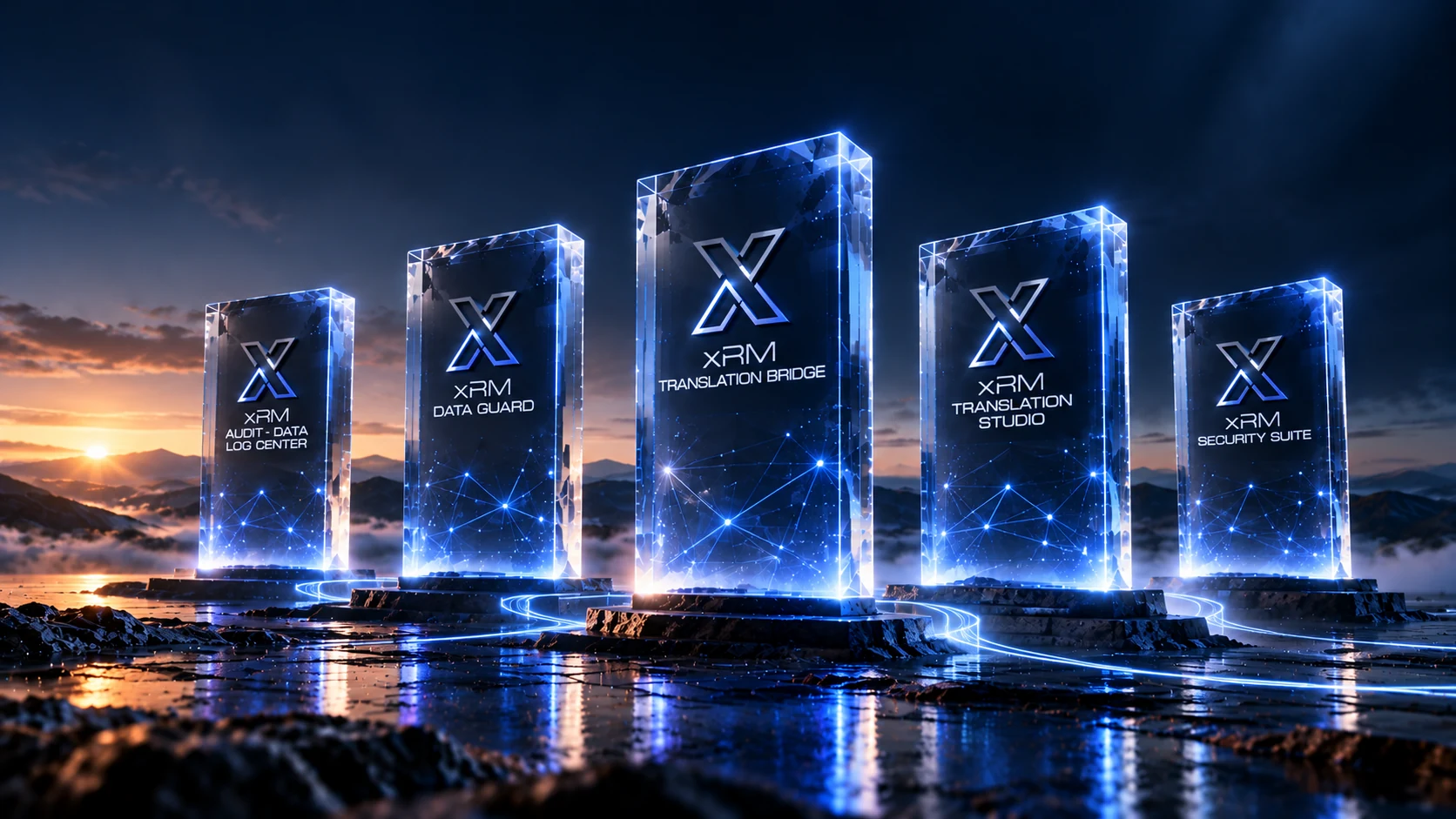
xRM Data Guard. Rules define what a valid value is and are enforced before the change is committed — including changes that arrive through integrations and automated processes, where form-level logic never applies.
xRM Audit & Data Log Center. Change history as ordinary rows: filter by record, field, user or time — and put a value back if it was wrong.
xRM Translation Studio. Labels, forms and views translated in-system and deployed through your own pipeline, not through an Excel round trip.
xRM Translation Bridge. Notes, emails and text fields translated on the spot when a record is opened — no field configuration required.
xRM Security Suite. Role and permission analysis across users, teams and business units, making effective permissions visible instead of inferred. Currently in development.
Tell us what is breaking and we will tell you which app fits — or that native Dynamics 365 already covers it.
Talk to the founders
Welcome to the fascinating world of
xRM Products, get to
know us and our products now!

© 2026 xRM Products LLC